Install Stamina
Stamina is a dark-first Shopify theme for supplements and sports nutrition stores. Use this guide for a clean install before configuring conversion features.
Before You Start
Section titled “Before You Start”Confirm these store basics first:
- Products have accurate titles, prices, images, and variants.
- Collections exist for primary goals such as Build Muscle, Energy, Recovery, and Endurance.
- Shopify Payments, shipping rates, markets, and taxes are configured in Shopify admin.
- Subscription and review apps are installed before wiring related theme blocks.
Install The Theme
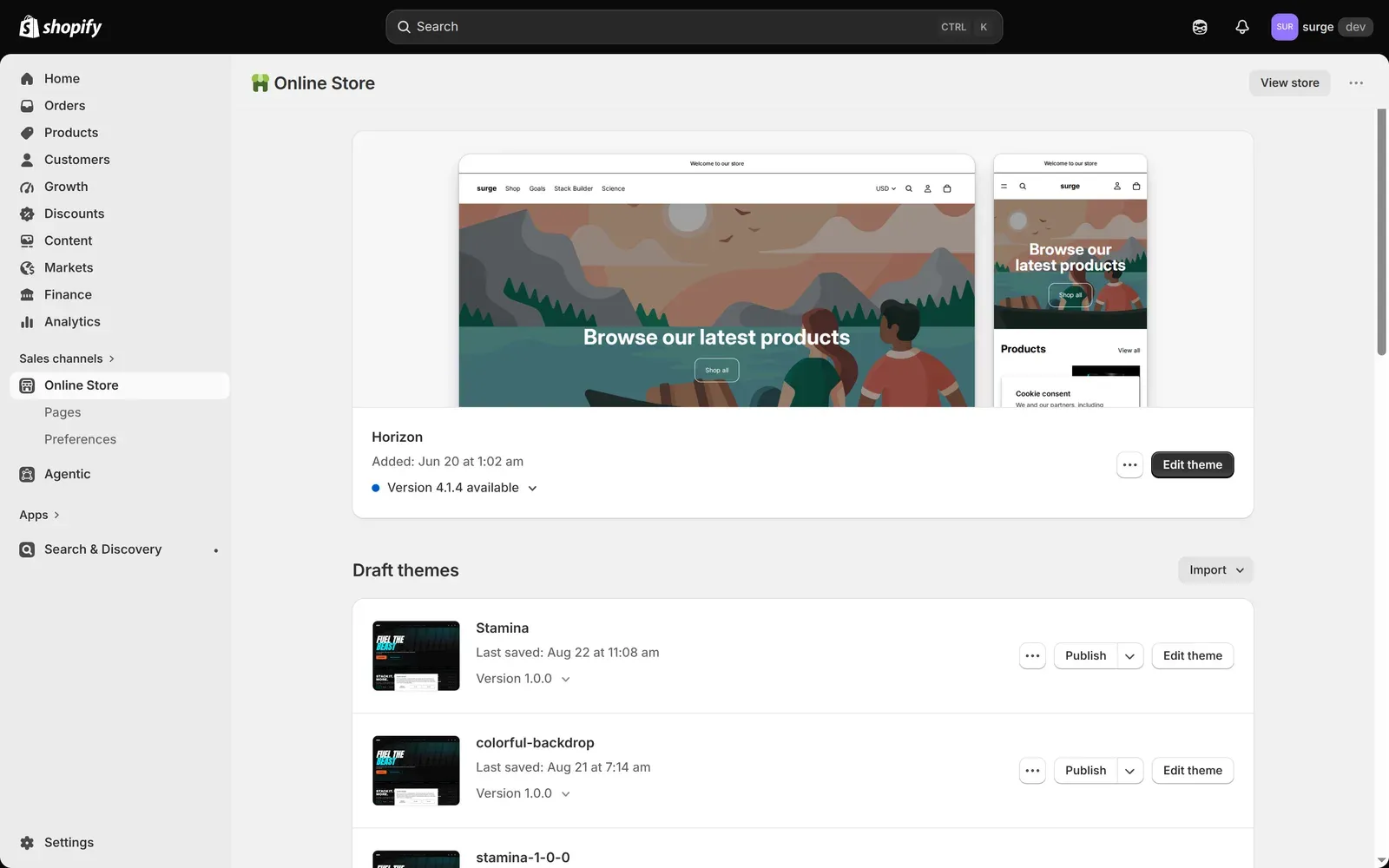
Section titled “Install The Theme”- In Shopify admin, open Online Store → Themes.
- Upload or add Stamina to the theme library.
- Click Customize on the unpublished copy.
- Configure global settings before editing templates.
- Preview the theme on home, collection, product, cart, search, and article pages.
Recommended First Pass
Section titled “Recommended First Pass”Set up the theme in this order:
- Theme colors and typography.
- Announcement bar and header navigation.
- Product page blocks: variant picker, subscribe toggle, facts, and buy buttons.
- Stack Builder and Shop by Goal.
- Cart drawer and free-shipping threshold.